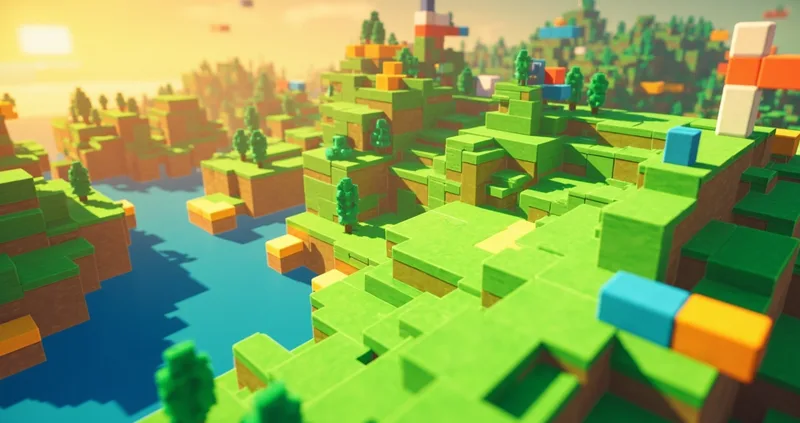
Voxel Valley is an open 3D block world that runs entirely in your browser — no download, no launcher, no account. Endless valleys, hills, lakes and forests are generated procedurally as you walk; every world is seeded uniquely for you. Mine any block, place any of nine materials, and build whatever you can imagine. Everything you change is saved automatically in your browser.
Under the hood it's a hand-written WebGL voxel engine — chunked terrain, face-culled meshing, real physics with gravity and jumping, and a fly mode for big builds. It weighs less than a photo and loads in a second.
How to play
- Mouse to look, WASD to move, Space to jump, F to toggle fly mode.
- Left click mines the highlighted block; right click places your selected material.
- Pick materials with 1–8 or by tapping the hotbar: grass, dirt, stone, sand, wood, leaves, planks, brick and glowstone.
- On phones: left virtual stick moves, dragging the right side looks around, and the action button mines or builds (toggle MINE/BUILD).
- Your leaderboard score is the total number of blocks you've mined and placed — the mark you've left on the world.
Tips from the valley
- Press F and fly when building anything taller than three blocks — your wrists will thank you.
- Glowstone (slot 9 material, key 8's neighbor) stays bright at night-fog distance — use it to mark paths home.
- Water is walkable-through: dig a channel to bring a lake to your front door.
- Building on a hilltop? Mine into the slope first — flattening beats stacking.